
Just a few lines of code
Real-time vision AI
Capture, process, infer, and display — all on your device.

Say it. See it work
Use my ESP-VISION camera to detect a hand, draw a box around it, and show the result in real time.
- Understand the request
- Generate the application
- Run on the device
- Read device feedback
- Refine and run again
Your ideas. Backed by real capabilities.
AI-Native Development
Describe your goal. Your AI assistant handles firmware, models, and application development, then verifies the result on real hardware.
On-Device ESP-DL Inference
Object detection, pose estimation, and image classification; load a quantized .espdl model in one line — real-time, offline, on device — or bring your own PyTorch / TensorFlow model.
Cloud Vision LLMs
Stream straight to OpenAI-compatible vision APIs and tap multimodal models like GPT-4o — complex scene understanding with no local compute.
Image Processing
Drawing, filtering, color tracking, feature detection, QR codes, barcodes, and AprilTags.
Hardware Codec
H.264 / MJPEG / RTSP and USB CDC live preview, saturating the on-chip multimedia accelerators.
Rich Peripheral Support
Cameras, displays, SPI, I2C, UART, SD cards and more work out of the box, with a MicroPython machine-compatible API.
Connect your board. Keep it simple.
Set up ESP-VISION for Codex using the instructions at https://www.npmjs.com/package/@esp-vision/plugin and verify the connection.
Device Wi-Fi setup
More models, ready to run
14 models
Cross-platform, multi-board support
| Image | Board | Chip | ESP-VISION Support |
|---|---|---|---|
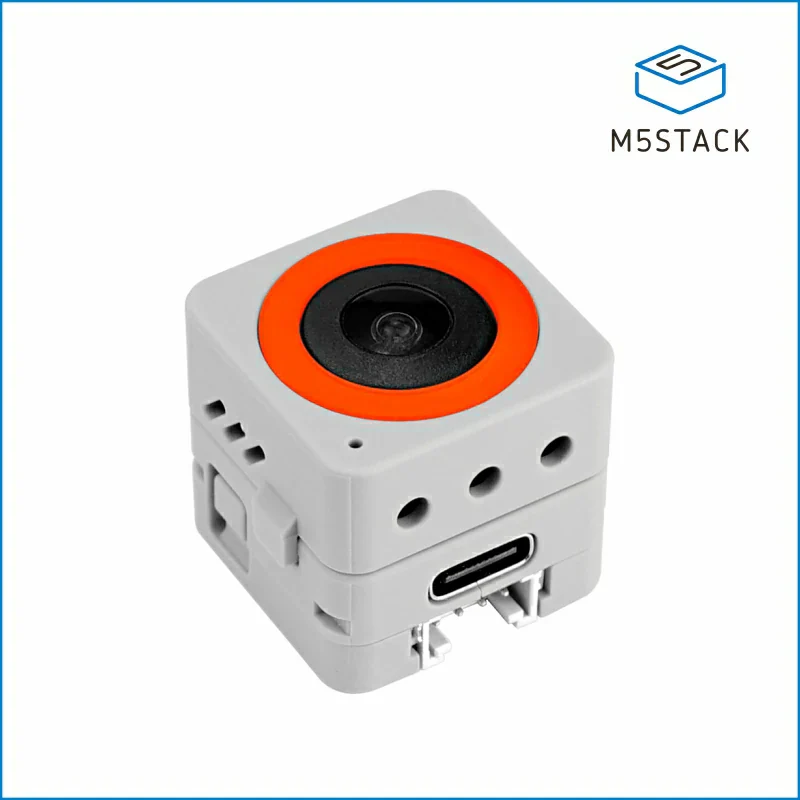 | AtomS3R-M12↗ | ESP32-S3 | Supported sensor · image · display · lcd_touch · espdl · tflite · imageio · uvc · storage |
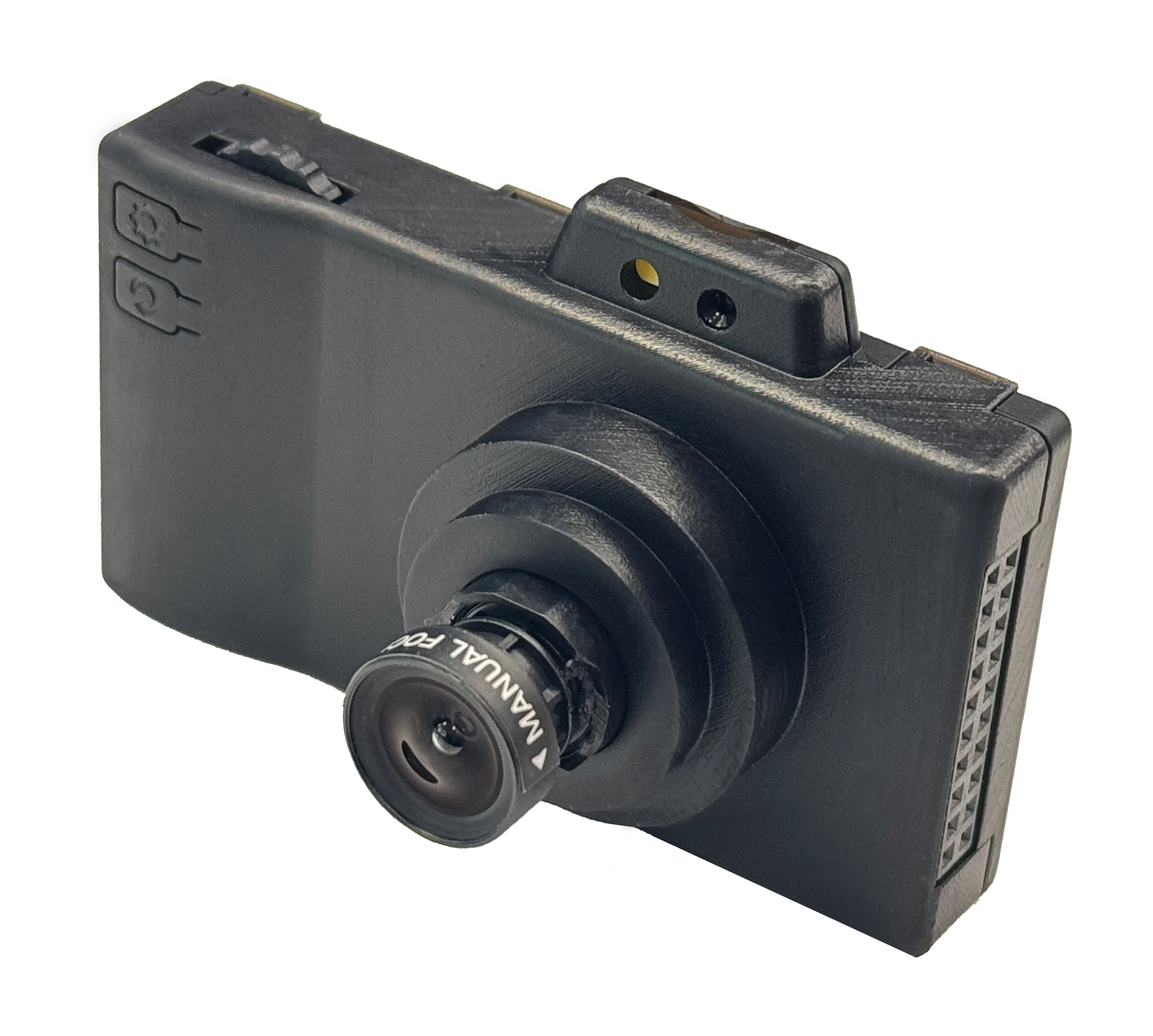 | ESP32-P4X-EYE↗ | ESP32-P4 | Supported sensor · image · display · lcd_touch · espdl · tflite · imageio · h264 · rtsp · uvc · storage · barcode |
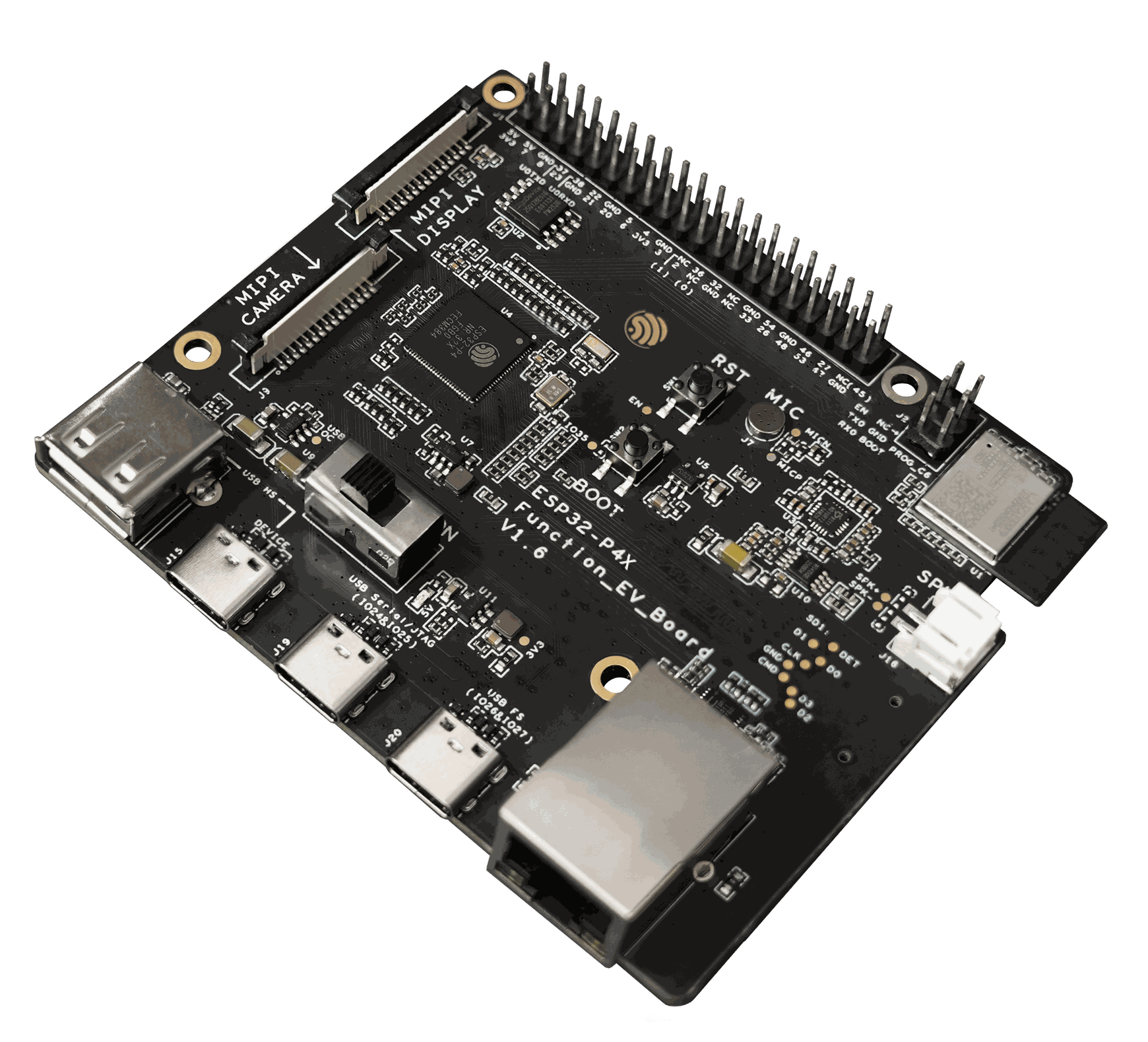 | ESP32-P4X-Function-EV-Board↗ | ESP32-P4 | Supported sensor · image · display · lcd_touch · espdl · tflite · imageio · h264 · rtsp · uvc · storage · barcode |
 | ESP32-P4X-VISION↗ | ESP32-P4 | Supported sensor · image · display · lcd_touch · espdl · tflite · imageio · h264 · rtsp · uvc · storage |
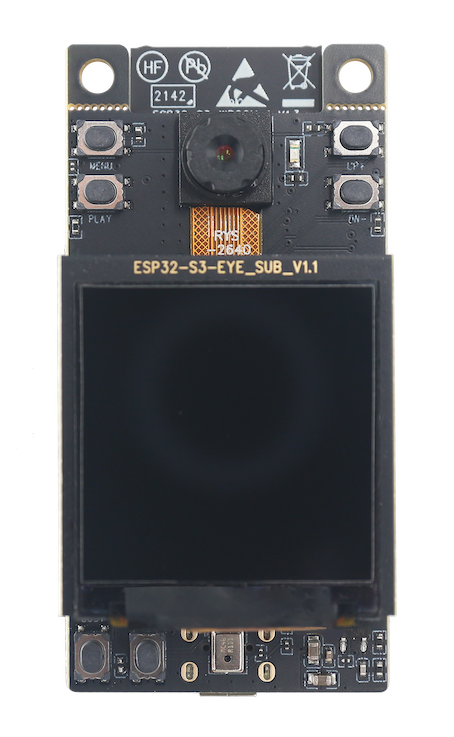 | ESP32-S3-EYE↗ | ESP32-S3 | Supported sensor · image · display · lcd_touch · espdl · tflite · imageio · uvc · storage |
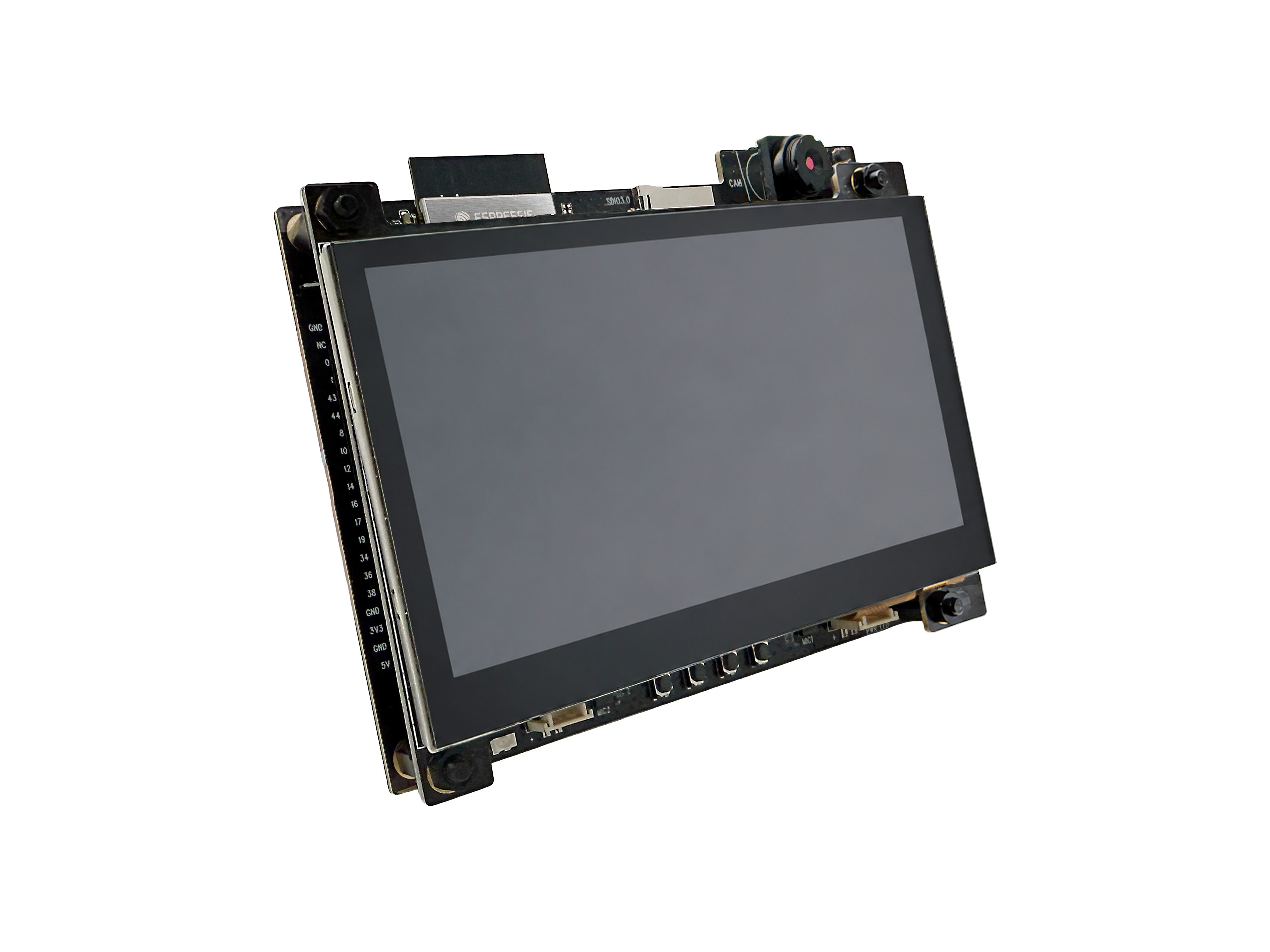 | ESP32-S31-Korvo-1↗ | ESP32-S31 | Supported sensor · image · display · lcd_touch · espdl · tflite · imageio · uvc · storage |
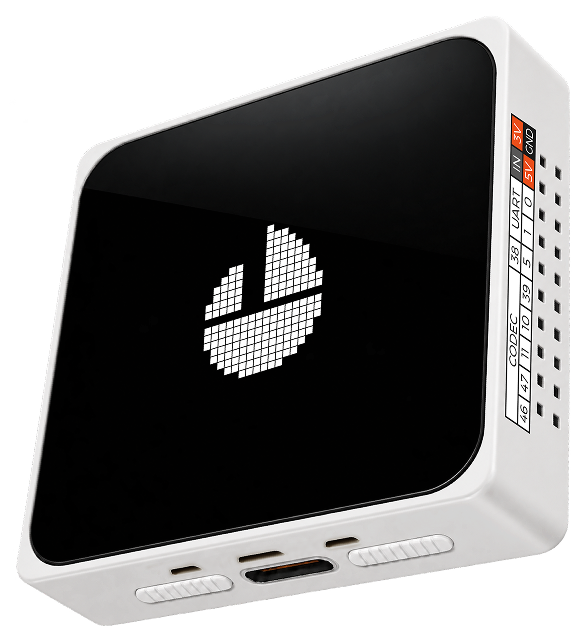 | ESP32-S31-MOSAICO↗ | ESP32-S31 | Supported sensor · image · display · lcd_touch · espdl · tflite · imageio · uvc · storage |